
See how much you scroll.
Tally is an Android app. It counts your swipes and minutes in the apps you pick, puts the total in the middle of your screen, and slowly dims the screen as the count climbs.
Android only for now. Try the demo on the right.
A number in the middle of the screen.
Pick the apps you scroll. Tally counts swipes and minutes in them and shows the total over the app. The number turns from white to amber to red as it climbs.
The screen gets harder to see.
With every swipe the edges close in a little more, until only a small clear patch is left. You set how fast. It never covers the middle completely, and touches still reach the app.
A few free swipes first.
Grace swipes are the swipes before the number shows. Until they run out there is no number and no veil.
Only when you want it.
Show the number all day, or only inside a window you set, such as 21:00 to 06:00. Outside the window the number is off and counting keeps running.
One number, louder with every swipe.
Tally shows the total over the apps you pick. It starts small and white, grows, turns amber, then red, and sends out a ring every 50th swipe. It is semi-transparent, and touches go through to the app underneath.
The default shows swipes with the minutes small under them. You can switch to swipes only, or to time only. Time counts only while one of your apps is in front, and after a short break the count starts again. The exact steps and timing may change before release.
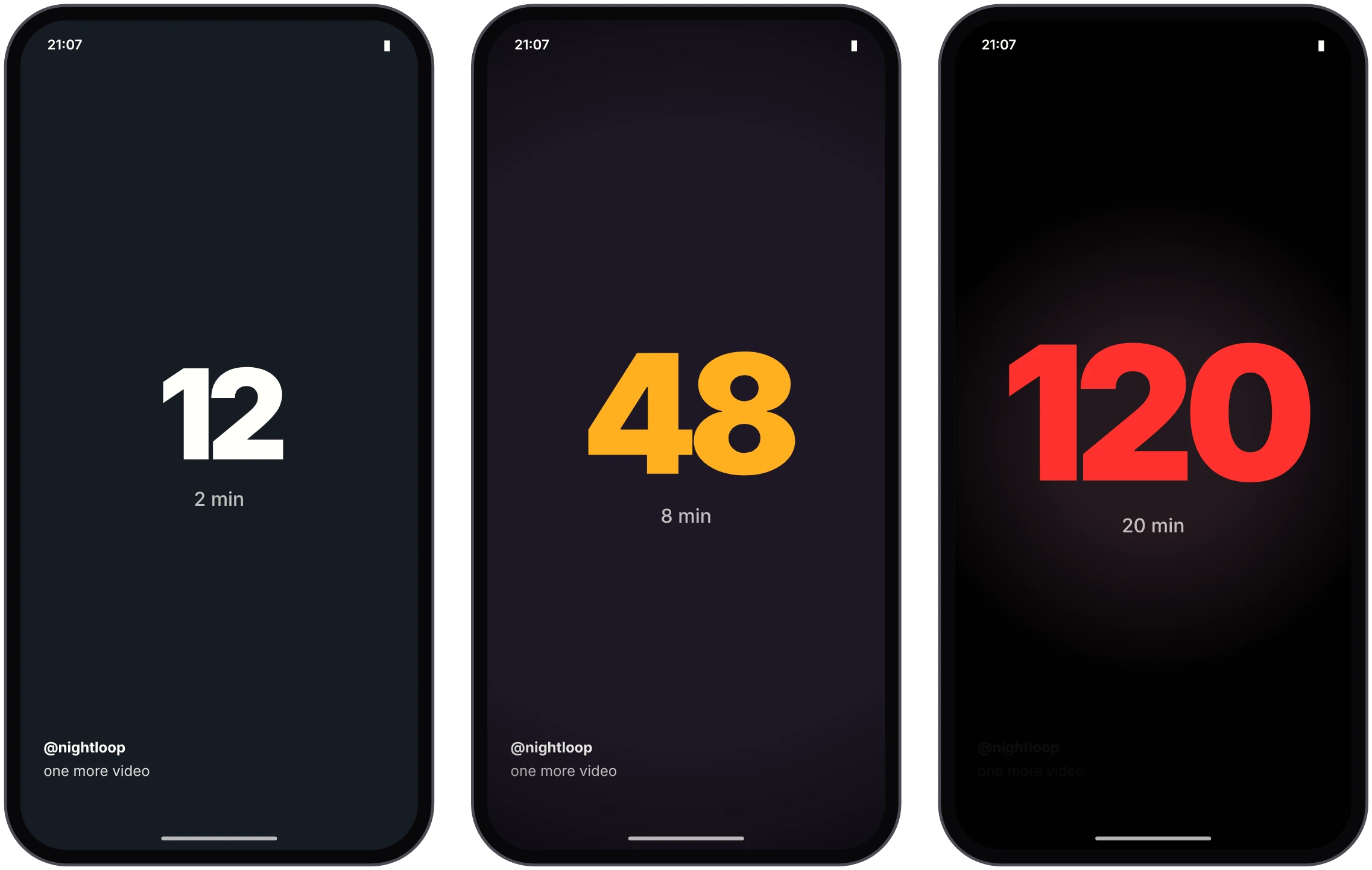
12, 48 and 120 swipes.
The veil closes in. Nothing is blocked.
Edges go dark first. At the end only a small clear patch is left, about a quarter of the screen across. The veil is black, and the number is drawn above it, so the count stays easy to read.
It does not block touches. They pass through to the app underneath, so there is no trap and no button to find. It draws only over the apps you picked, and it never touches system screens or calls.
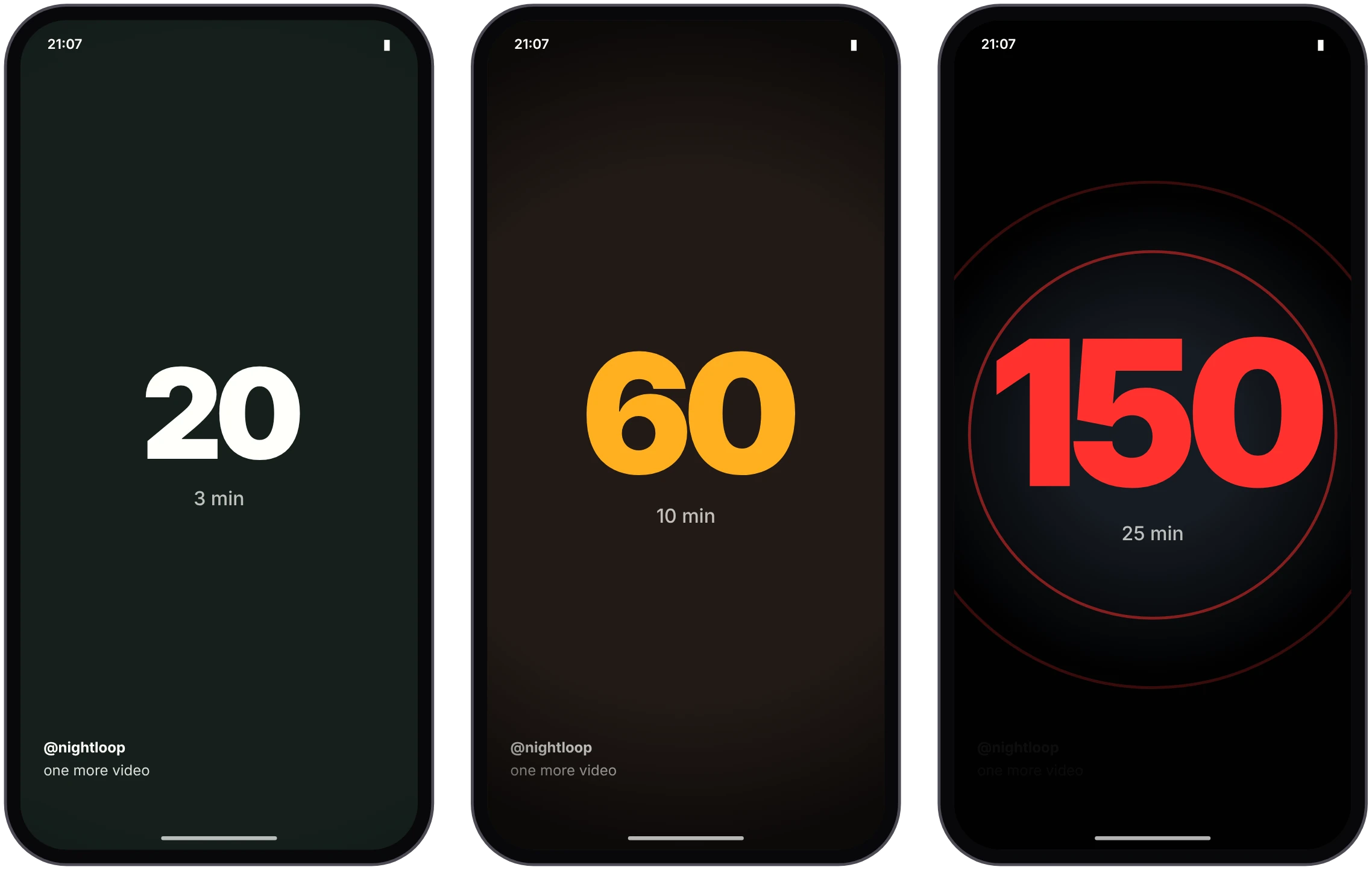
20, 60 and 150 swipes.
Yours to set up.
Tally finds common social apps and turns them on for you. Turn on any other installed app, and turn off any you do not want counted. Browsers are off by default. If you turn one on, the whole browser counts, because Tally does not look at which site you are on.
To count swipes in other apps, Tally uses Android's accessibility service, and it draws the number over them. Android asks you to turn this on yourself. Tally reads no text, messages or posts. It counts scroll events and the time an app is in front.
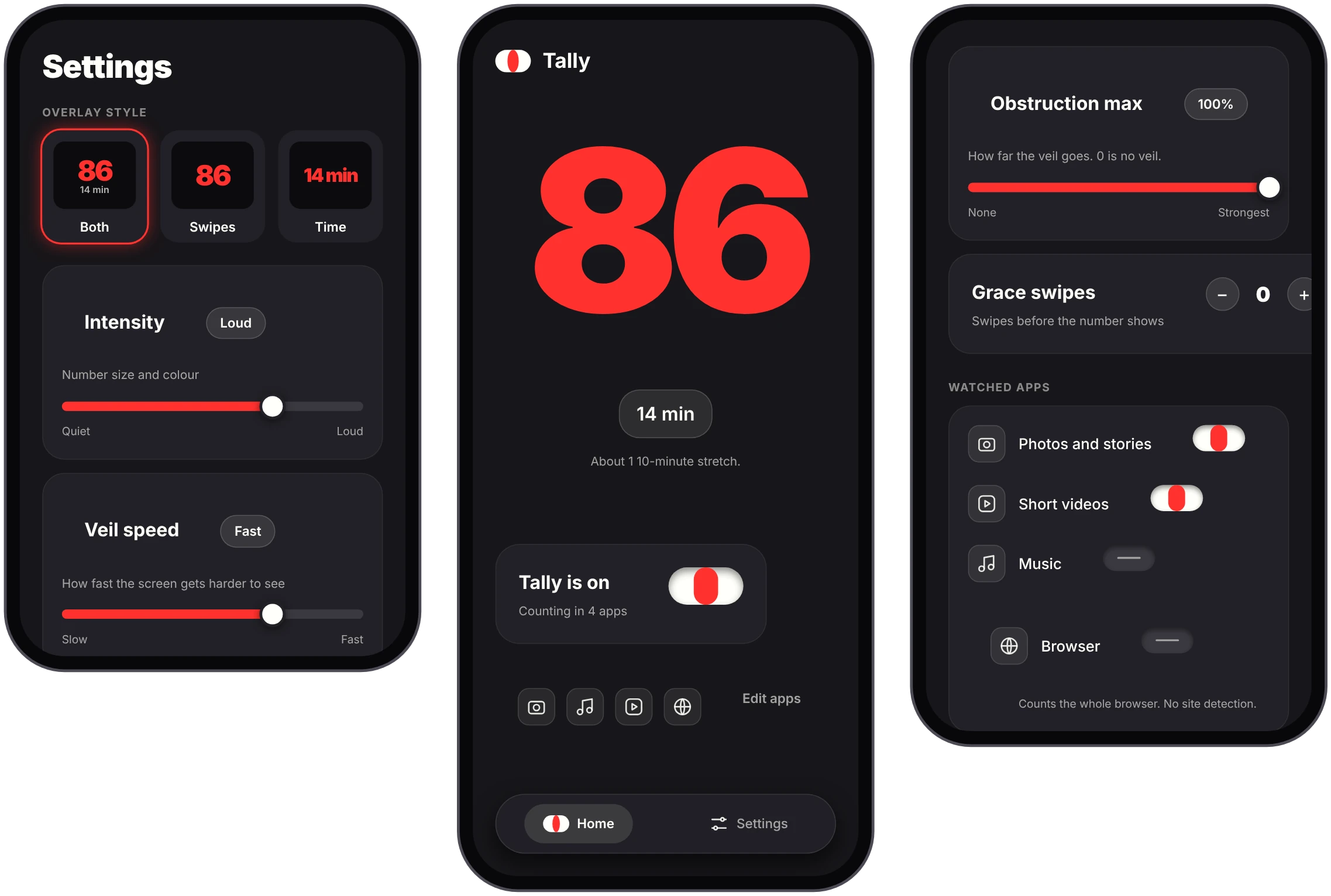
Home, and Settings. Drawn from the app design, not photos of a phone.
What Tally leaves alone.
- Your apps. Tally never blocks an app or locks your phone. Touches pass through to the app underneath.
- Your content. It reads no text, messages or posts from the apps it counts. The counts stay on your phone.
- Your time. No time limits, no accounts, no streaks, no scores and no history.
- Your choice. You pick the apps, the style, the veil speed and the hours.
Hear when Tally is ready.
One email when it is available. Nothing else.
Your email
Your address goes into a Google Sheet kept by Jergusino, and Google hosts that sheet. We use it to tell you when Tally is available and for nothing else. We do not sell it or share it.
To see, change or delete your address, email [email protected]. You can also reply "unsubscribe" to any message we send you.
This page loads nothing from other servers: no outside fonts, no analytics, no cookies.